Medispa Solutions case study

Automatic social-content generation from real XLASE training footage.

DylanX10 turns long-form training assets into reviewed short-form candidates, carousel copy, email copy and landing-page blocks while preserving source provenance and approval boundaries.

Generated content

Three short-form candidates with source evidence

Each candidate is cut from the authorised XLASE clip set and paired with platform-ready hook, caption and call to action in Medispa's current training style.

Settings education

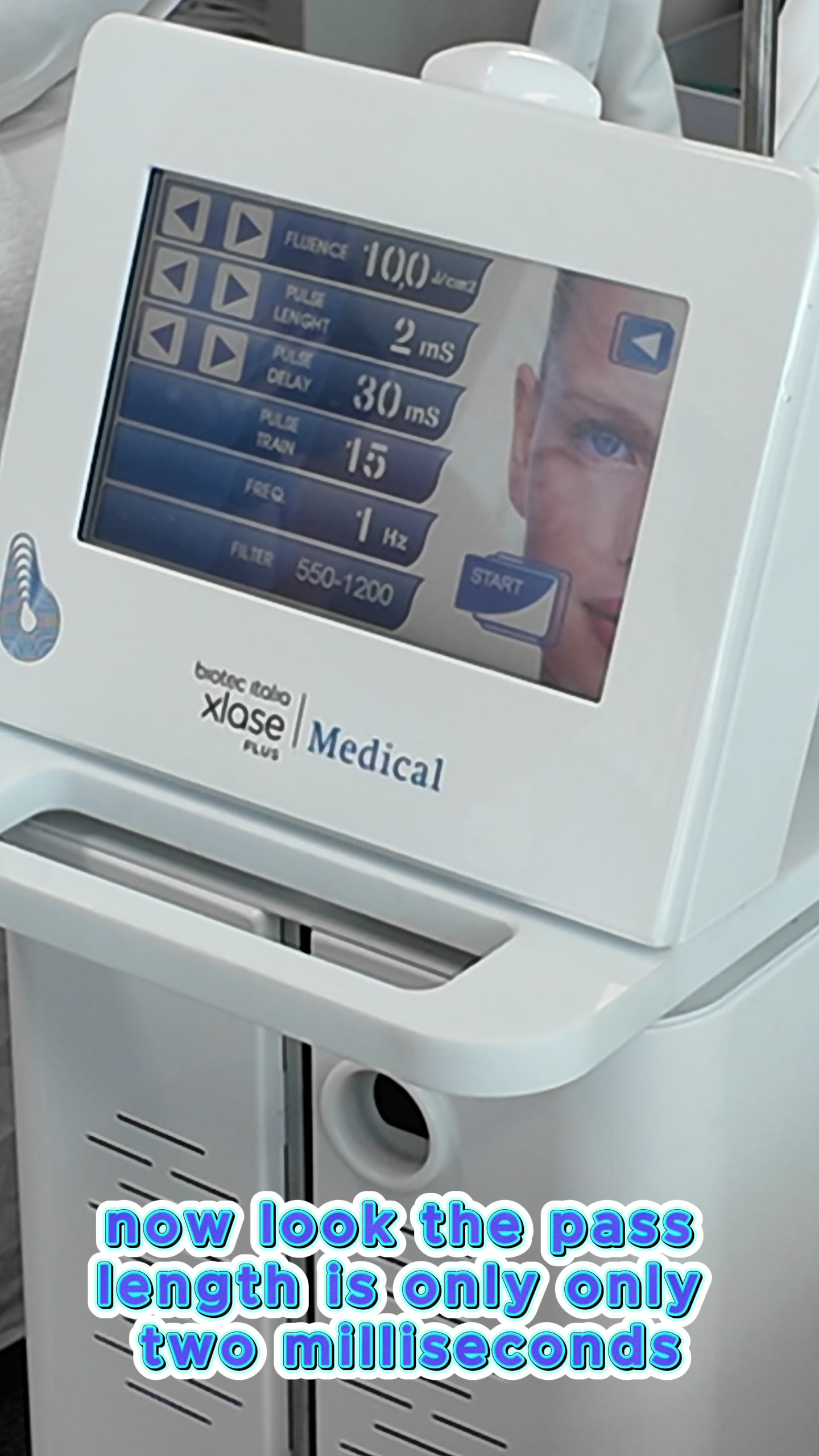
Filter choice and pulse timing

XLASE clips 003-004 · source time 00:01:00.515-00:02:00.049

Hook
Before the first pass: XLASE Plus settings explained live.
Caption
Inside a live XLASE Plus training block: filter choice, pulse timing and setup are explained before the demonstration begins.
CTA
BOOK YOUR SEATS HERE
Trainer-led moment

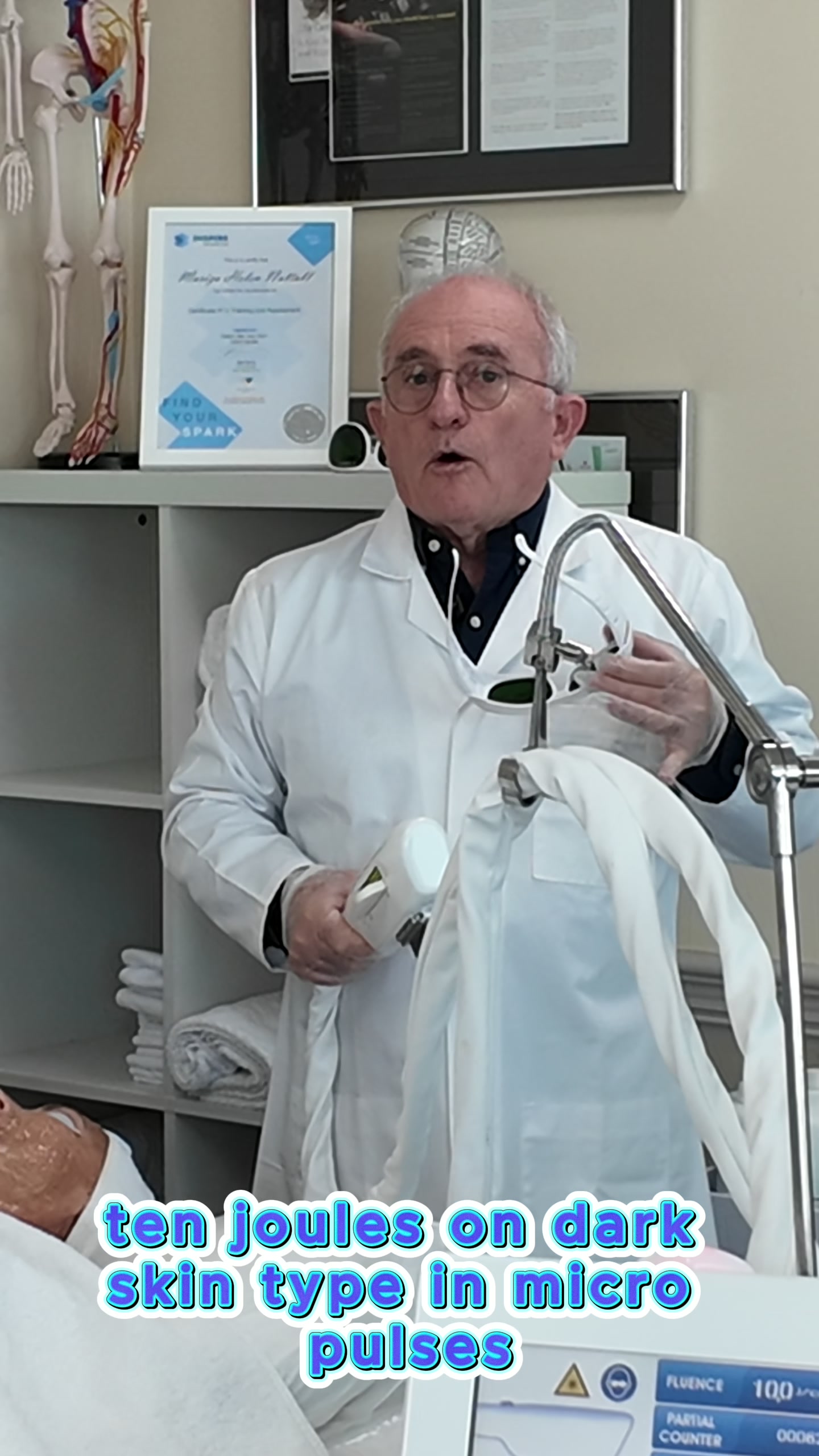
Micro-pulse explanation

XLASE clip 015 · source time 00:06:58.718-00:07:29.485

Hook
The training moment: why micro-pulses matter.
Caption
A focused XLASE Plus training moment: the trainer explains micro-pulse settings while demonstrating the handpiece in a supervised workshop environment.
CTA
BOOK A SEAT
Hands-on workshop

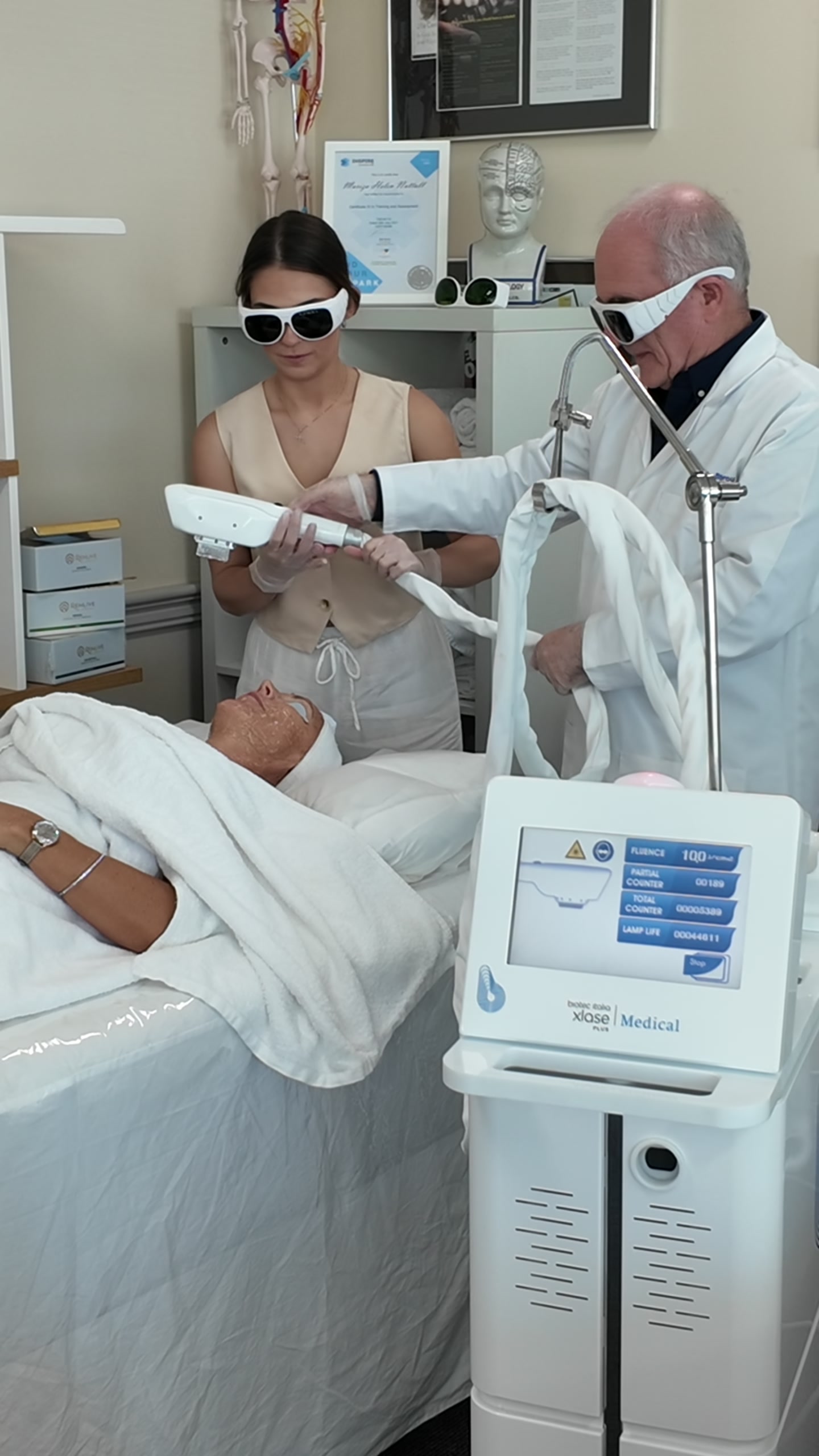
Guided practical demonstration

XLASE clip 041 · source time 00:19:56.524-00:20:26.291

Hook
Watch the technique. Ask questions. Practice with guidance.
Caption
XLASE Plus training is shown as a supervised demonstration with protective eyewear, trainer guidance and the device in frame.
CTA
BOOK YOUR SEATS HERE
Carousel preview

A seven-slide workshop story from one screened block

XLASE device settings screen from training footage
Start with settings: filter choice, pulse timing and setup.
Trainer explaining XLASE handpiece in workshop
Trainer-led explanation: micro-pulse discussion in the room.
Hands-on XLASE workshop demonstration with protective eyewear
Hands-on guidance: practical demonstration with protective eyewear.
How it works

A repeatable content pipeline without exposing internals

The preview shows the public-facing output of the workflow: asset screening, evidence logging, candidate selection, copy generation, QA and approval handoff.

  1. Screen the footage.Long-form training video is split into reviewable clips and logged by timecode.
  2. Extract usable moments.The system identifies device screens, trainer explanations, hands-on practice and setup/sanitation moments for human review.
  3. Generate channel copy.Short-form hooks, captions, carousel frames, email copy and landing blocks are drafted in the client's current website style.
  4. Keep approval gates visible.Clinical claims, dates, certification language and publishing remain blocked until the client approves exact wording.
Approval boundary

Generated does not mean published.

This preview uses local XLASE footage and Medispa-style promotional copy for internal review. Final dates, prices, booking links, certification wording and clinical claims require explicit approval before any public campaign goes live.